Falls are the most common single concern for people who live alone — especially after 60, after surgery, or while recovering from anything that affects balance. The fear is reasonable. The standard advice (“just buy a pendant”) is not always the right first step.
Here are five practical tools worth considering, in plain order of how lightweight they are. None of these is medical advice — talk to your GP or a physiotherapist about clinical risk.
1. A daily check-in app — so silence becomes actionable
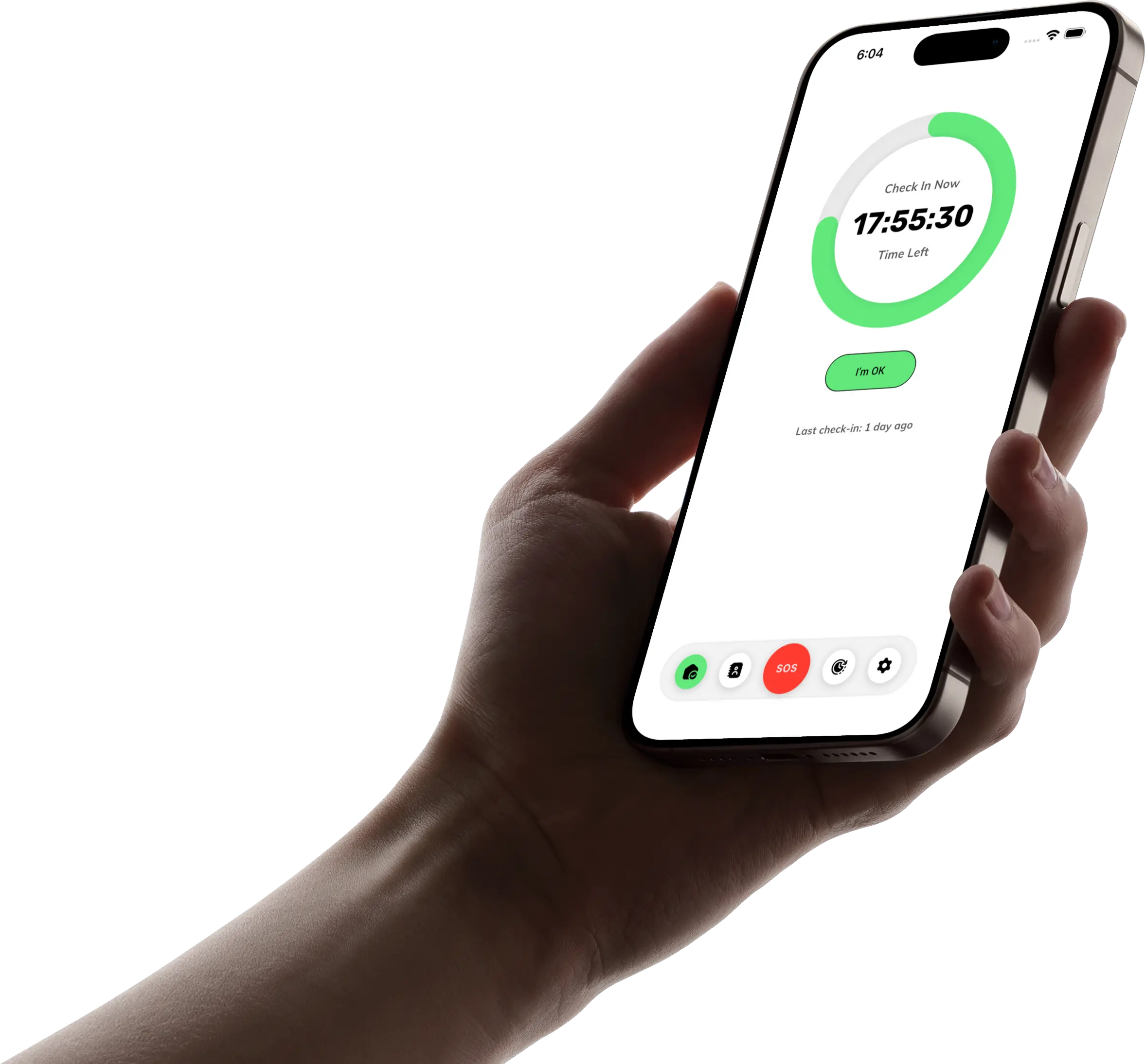
The hardest part of a fall isn’t always the fall itself. It’s how long it takes anyone to notice. A daily check-in app sets a rhythm: one “I’m OK” tap per day, in your chosen window. If the tap doesn’t happen, trusted contacts get notified.
This won’t prevent a fall. But it sharply reduces the worst-case window between a fall and someone realising. TapOkie does this with a single daily tap, SMS to verified contacts (no app required on their phone), and optional location sharing controlled through your normal device permissions. Free includes the daily check-in and one verified contact; Premium adds more contacts, custom schedules, pause/skip, a one-tap emergency button, and per-contact SMS languages.
If you’re comparing this approach to a panic button, we’ve unpacked the difference in Panic Button vs Daily Check-In.
2. Simple home modifications
The biggest fall-risk reductions usually aren’t apps:
- Remove rugs, fix loose carpet edges, secure cords.
- Bathroom grab rails beside the toilet and inside the shower.
- Brighter lighting in hallways and stairs (motion-sensor night lights help).
- Non-slip mats in the shower and at thresholds.
These are unglamorous. They also outperform almost any wearable. If you do nothing else after reading this, walk through your home and fix one trip hazard.
3. A wearable, when it actually fits
Wearables (medical alert pendants, fall-detecting smartwatches) are the right tool when:
- The person is at higher fall risk clinically.
- They’re willing to wear the device daily (this is the silent killer of pendant programmes).
- There’s a clear emergency response path on the other end.
If those conditions don’t hold, the device ends up in a drawer. That’s not “user error” — it’s product fit. Wearables are *complements* to a daily routine, not a replacement.
4. Voice assistants for hands-free help
A smart speaker (Alexa, Google) on a kitchen counter or bedside table lets you say “call [name]” without reaching a phone. Some support emergency calling features in certain regions.
It’s not a fall-detection system. It is, however, a second hand for moments when you can reach a counter but not your pocket. Pair it with #1 and #2 rather than instead of them.
5. Phone safety features you already own
Both iPhone and Android have emergency calling shortcuts (e.g. press-and-hold patterns or side-button presses) plus a medical ID screen visible from the lock screen. Set both up. They cost nothing and they work today.
If you carry the phone you already have, this is the closest thing to “free upgrade” in the safety stack.
How these fit together
The honest hierarchy for most people living alone:
1. Fix home hazards. 2. Set up a daily check-in so silence isn’t indefinite. 3. Configure phone safety features. 4. Add a voice assistant if it suits the household. 5. Consider a wearable if clinical risk and adherence both clear the bar.
You don’t need all five. You probably need at least #1 and #2 — they cover the largest share of the actual risk.
Related reading
- Why Tracking Apps Fail Older Adults — why GPS-by-default backfires emotionally.
- 5 Ways to Check on Elderly Parents Remotely — habits and boundaries for adult children.
- What Is a Wellness Check App? — the broader category explained.
If a daily check-in is the missing piece, you can download TapOkie free and set up your first one in a couple of minutes.